
EXPLORE DATASNARE AI-Ops
Bring dashboards, alerts, analysis, and operational tools together to help your team understand its environment and plan its next steps.
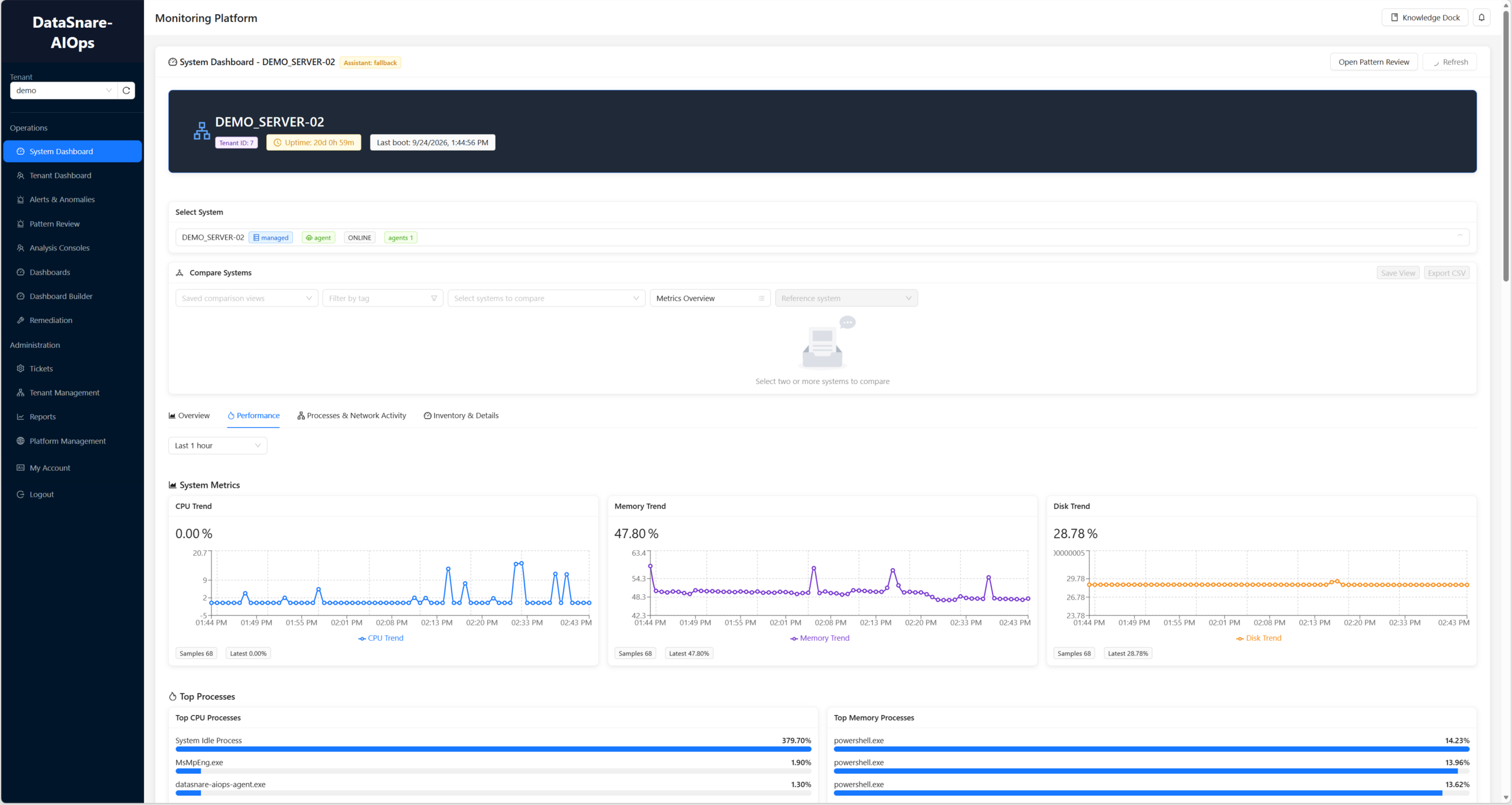
Explore system-level and tenant-level views to support day-to-day operational review.
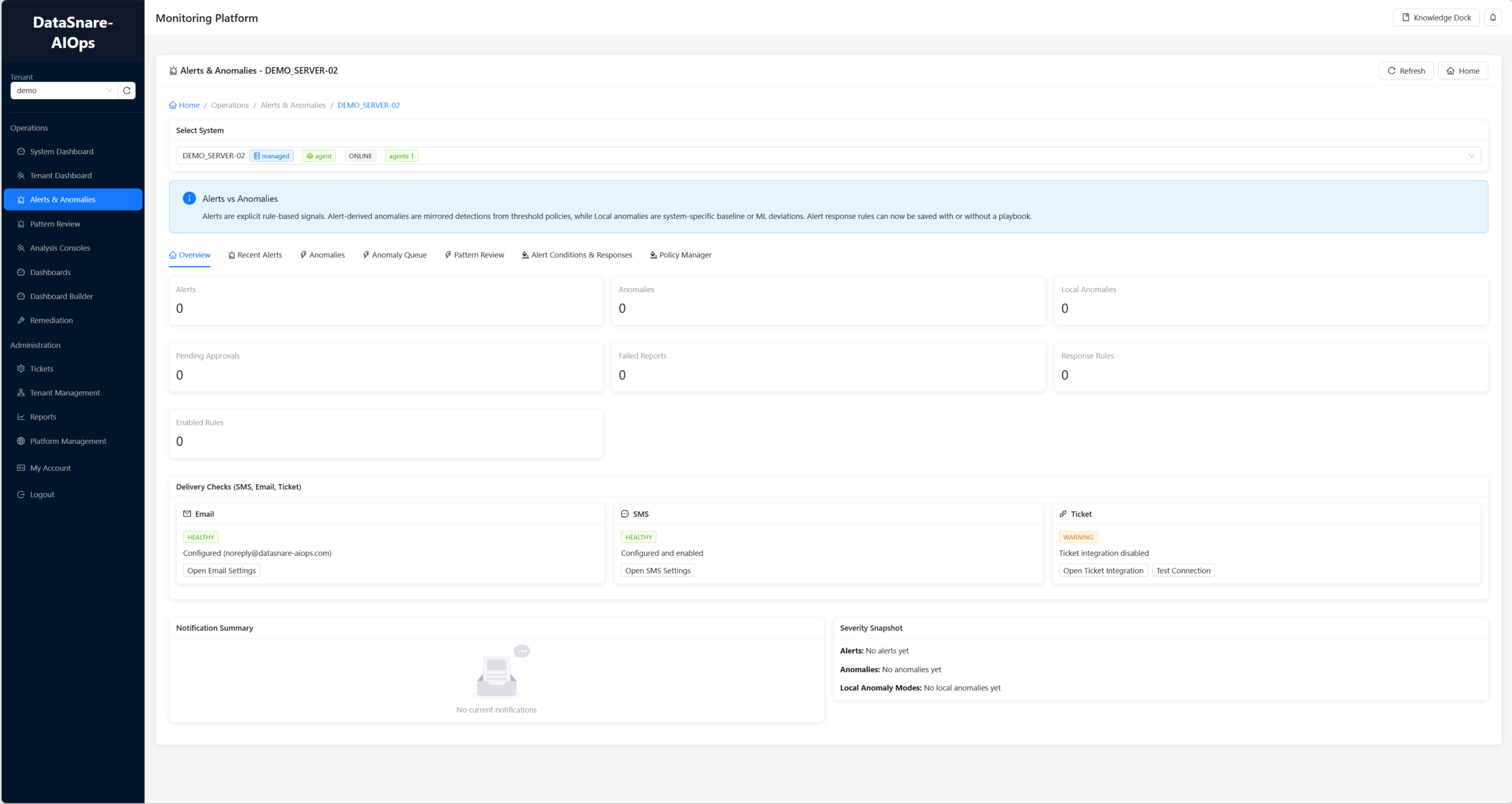
Review alerts and anomalies to help your team investigate changes in system behavior.
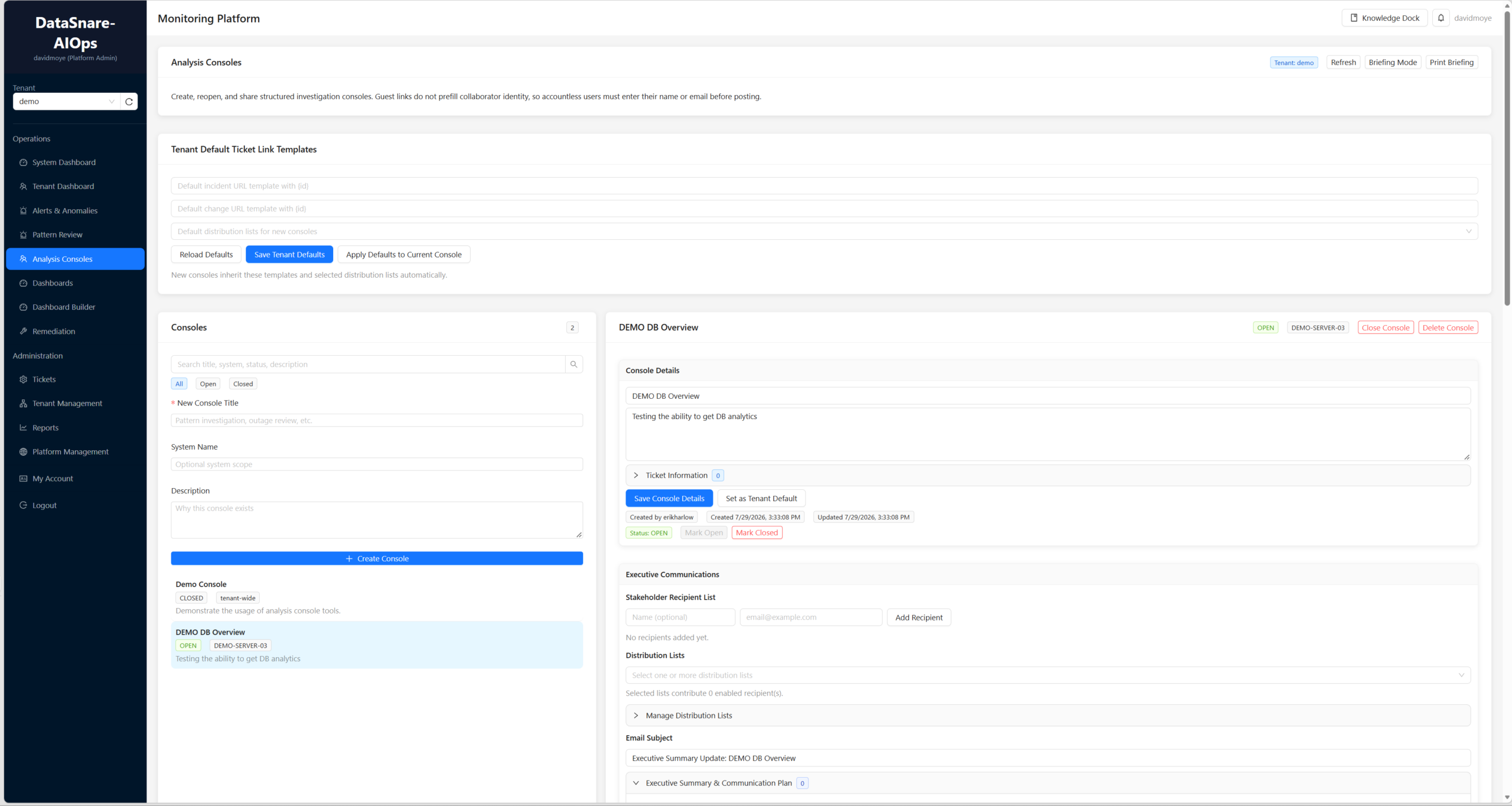
Use Pattern Review and Analysis Consoles to explore your operational data and support investigation.
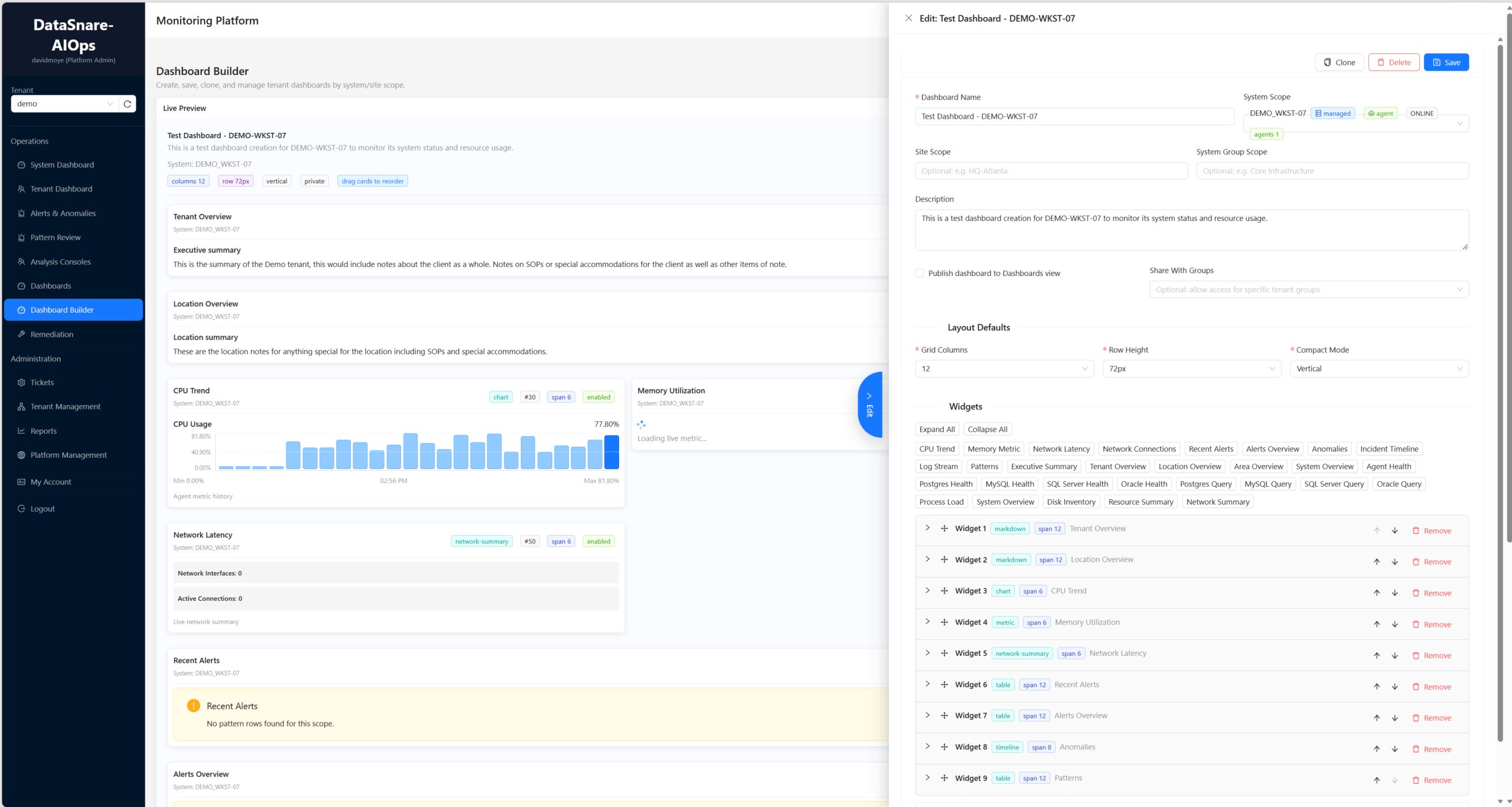
Explore dashboards and the Dashboard Builder to organize the information your team needs to review.
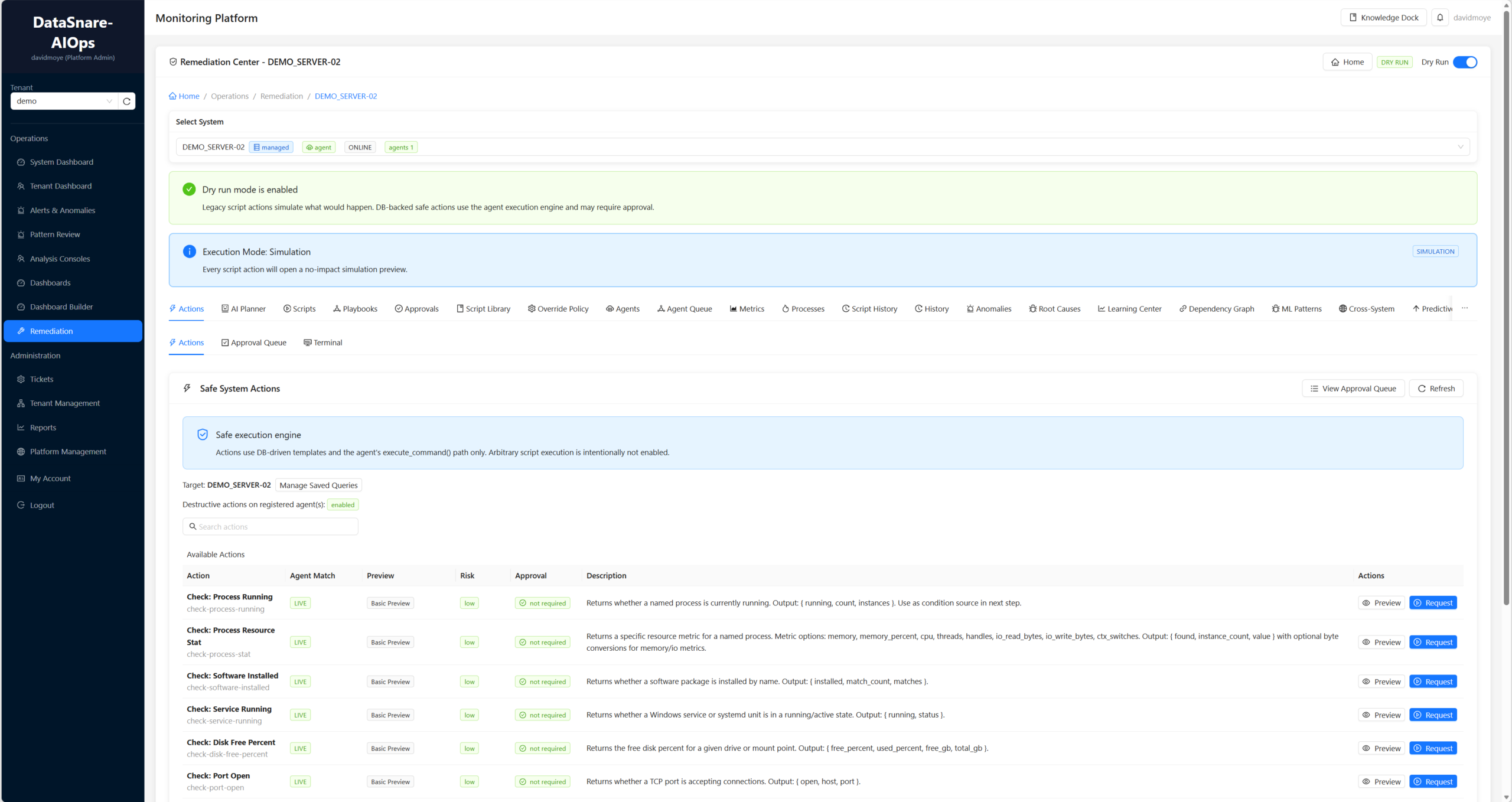
Explore remediation tools as part of your team’s operational response.
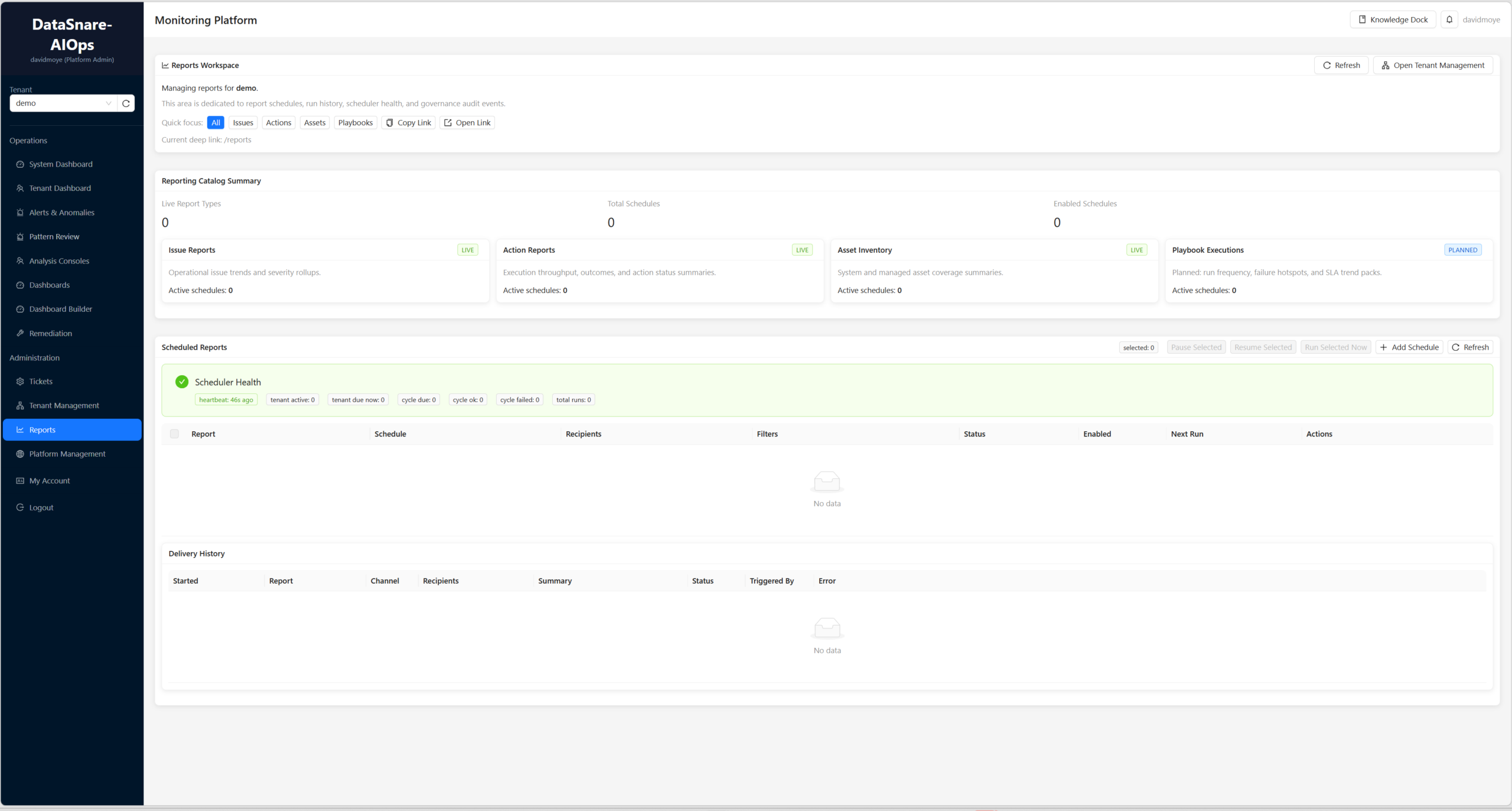
Create reusable reports, schedule recurring runs, and review previous results to maintain a clear record of system activity.
Explore how DataSnare AIOps turns monitoring data into meaningful insights, helping your team understand system performance, investigate issues, and make more informed operational decisions.